


Install guide
Connect Evidence to ChatGPT
Evidence is an MCP server: once it is added, ChatGPT can search and query public datasets while it answers you. It takes about two minutes and one Google sign-in.
Before you start
- A ChatGPT account. The screenshots below were taken on the Free plan.
- On Business, Enterprise and Edu workspaces an admin may need to allow custom MCP servers first.
ChatGPT
For chatting with ChatGPT on the web or the desktop app.
Open chatgpt.com and log in.
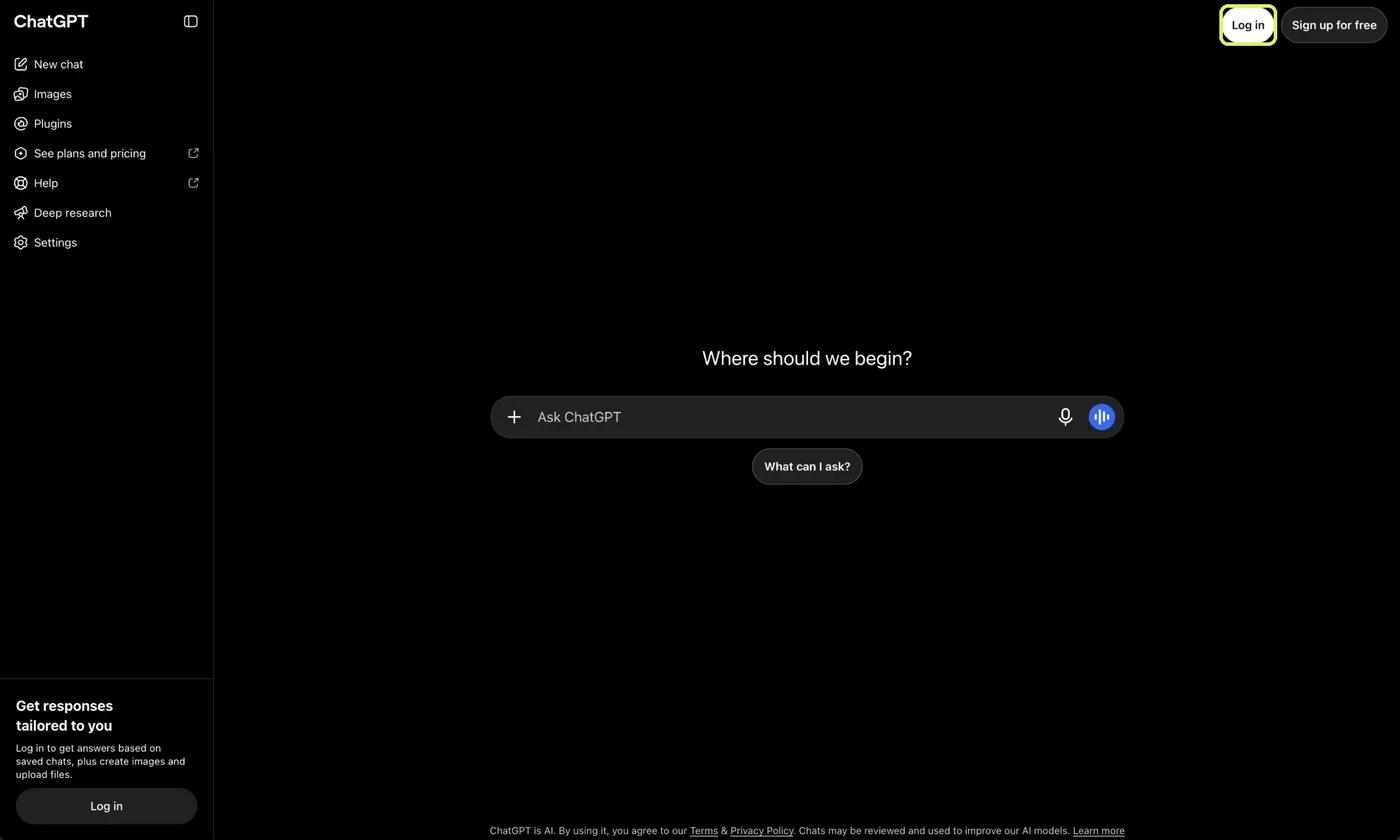
In the sidebar, click Plugins.
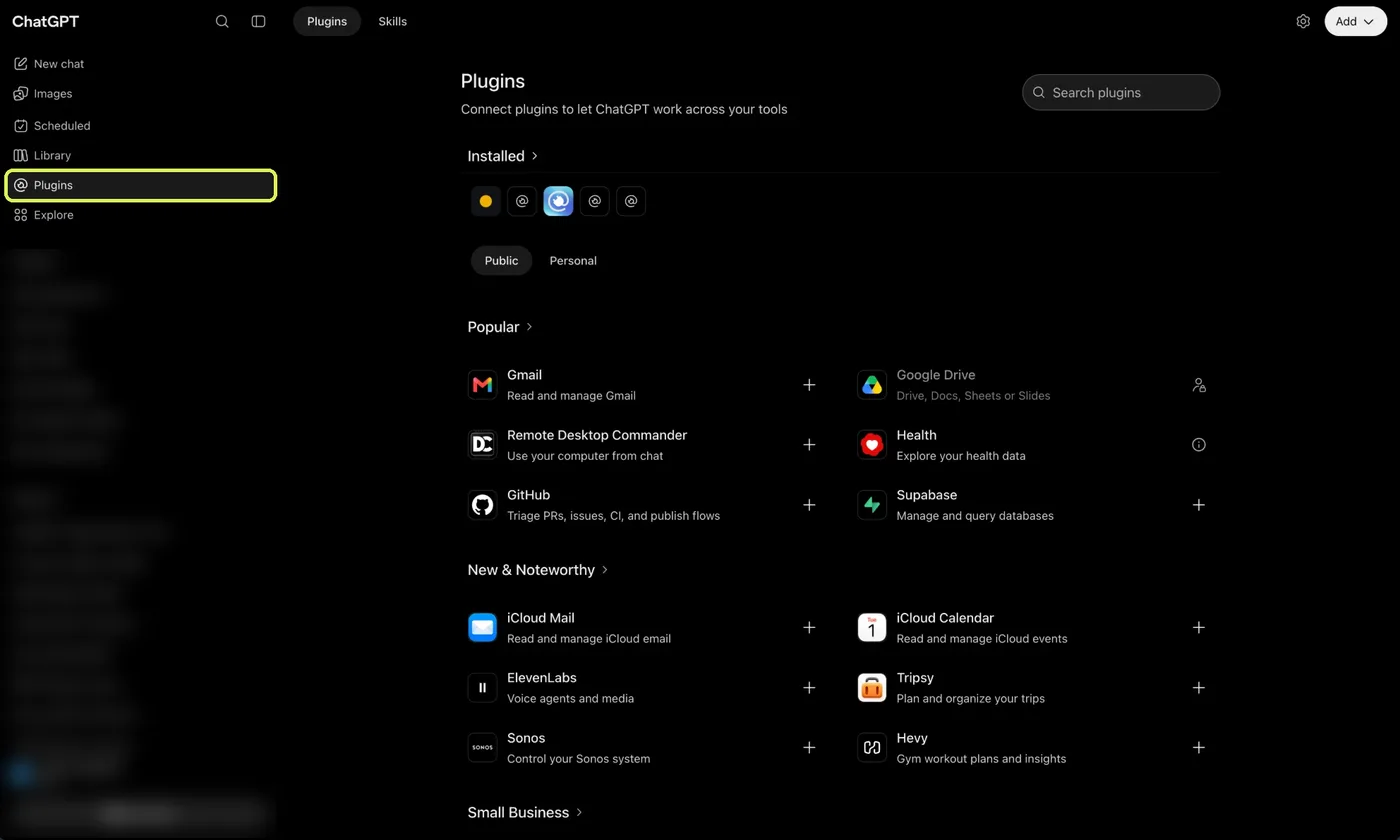
Click Add at the top right, then Add custom MCP server.
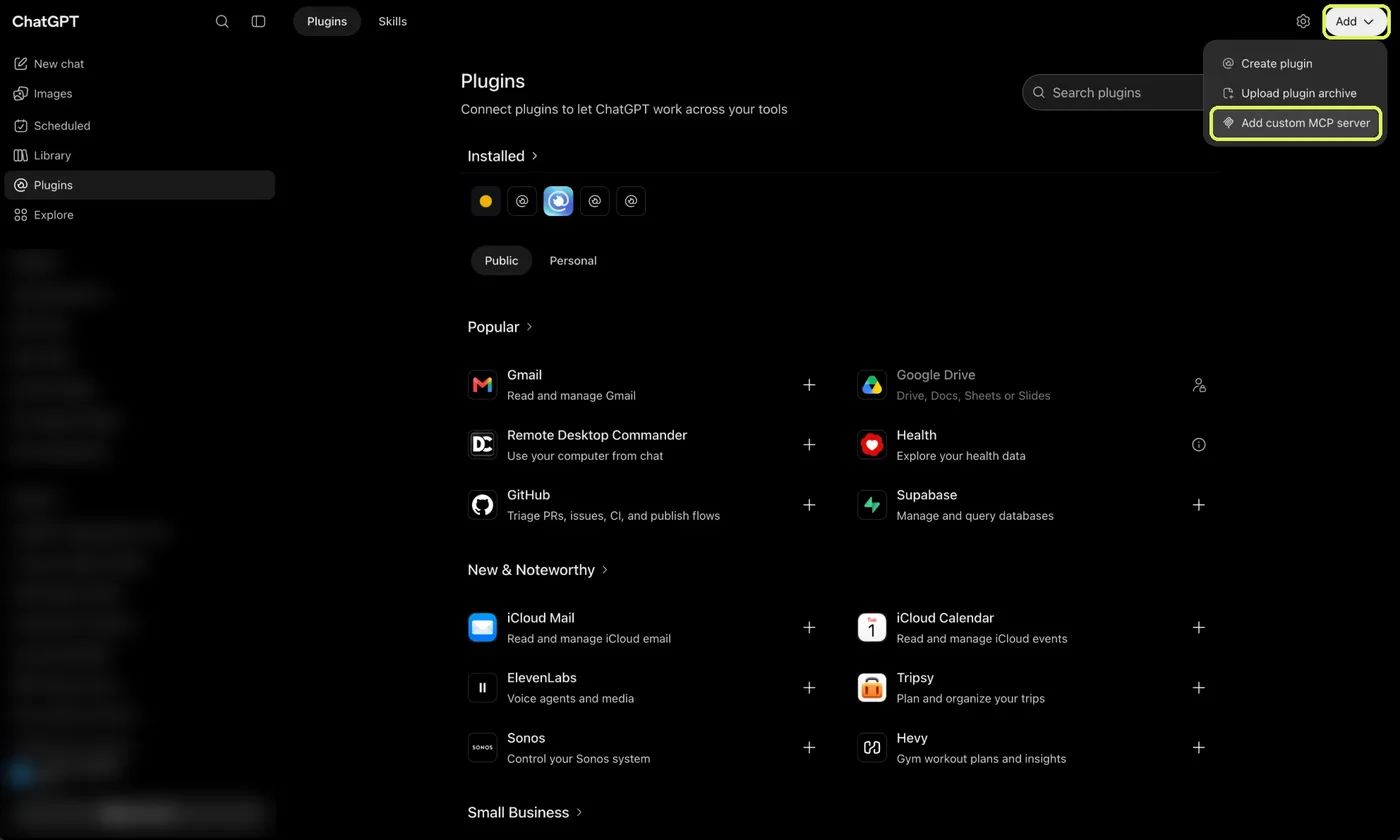
OptionalUnder Icon, upload the Evidence icon so the plugin is easy to spot.
 Download the Evidence icon (PNG)
ChatGPT doesn't fetch logos from the server, and the icon can't be changed after the plugin is created.
Name it Evidence. Under Connection keep Server URL and paste:
https://mcp.evidence.so/mcpLeave Authentication on OAuth, tick “I understand and want to continue”, and click Create as a plugin.
Leave Advanced OAuth settings alone: Evidence publishes its own identity.
Sign in with Google when the Evidence window opens.
Start a new chat and paste your first question. When ChatGPT asks to use an Evidence tool, click Allow.
Use Evidence to bring me value: ask me what I'm working on, then answer one question about it with real data and show where the numbers come from.If ChatGPT answers without Evidence, mention it with @evidence, or click + next to the message box and pick Evidence.
Codex CLI
For OpenAI's coding agent in your terminal.
Run this in a terminal. It adds Evidence and opens your browser to sign in:
codex mcp add evidence --url https://mcp.evidence.so/mcpClick Continue with Google. The terminal says “Successfully logged in.” If the browser didn't open, run:
codex mcp login evidenceCheck it: evidence should be listed as enabled, with Auth set to OAuth.
codex mcp listStart Codex and paste your first question.
Use Evidence to bring me value: ask me what I'm working on, then answer one question about it with real data and show where the numbers come from.
If something goes wrong
- I don't see Add custom MCP server
- On a Business, Enterprise or Edu workspace, ask an admin to allow custom MCP servers.
- ChatGPT doesn't use Evidence
- Mention it in your message with @evidence, or click + next to the message box and pick Evidence.
- The plugin shows a generic icon
- The icon can only be set when the plugin is created. Delete it under Plugins and add it again with the icon.
- A tool call says to sign in to accept the privacy policy
- Open the link in the reply, sign in once, then ask again.